Fast checkout and clear receipts
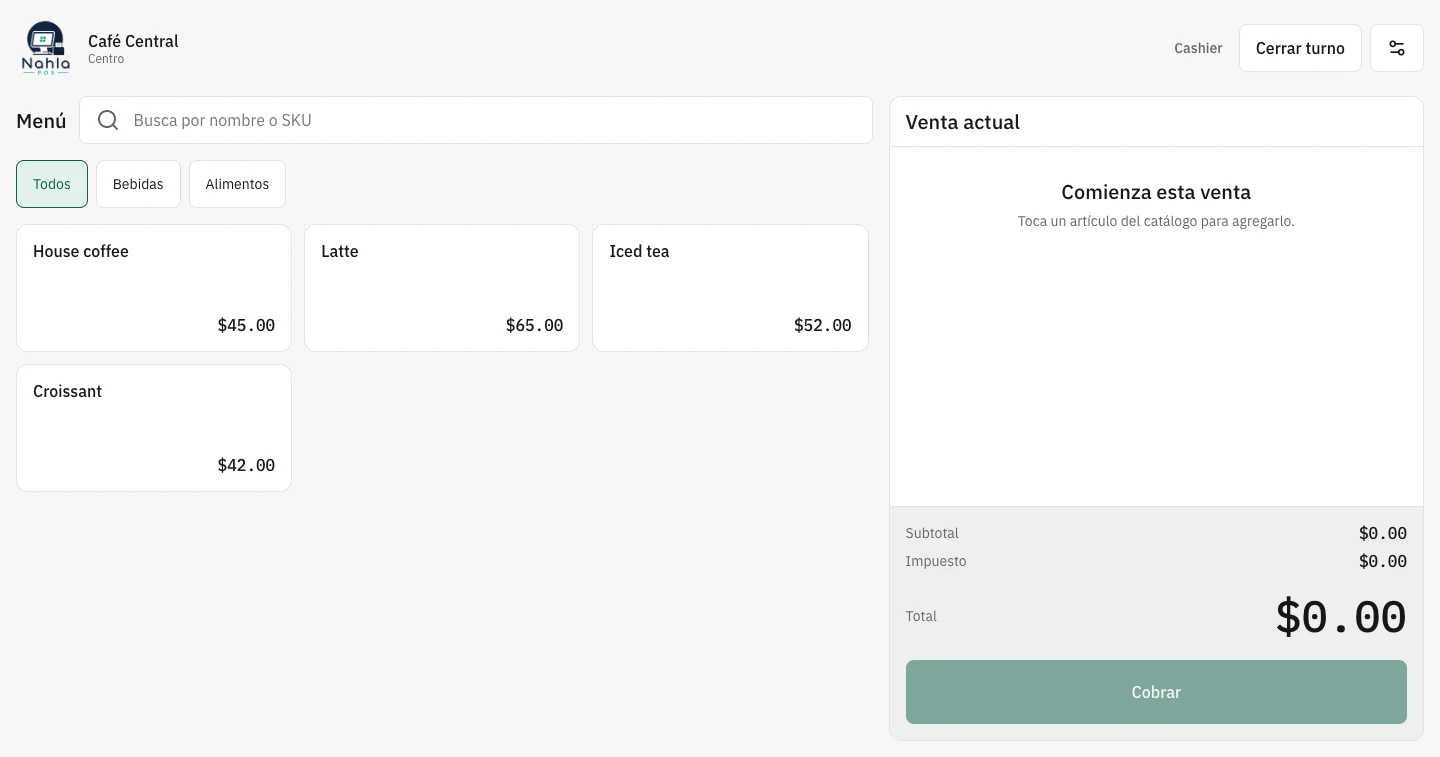
Find a product or service, build the ticket, record the payment method, and keep the history of every transaction.
POS software for small business
NahlaPOS brings checkout, catalog, inventory, registers, employees, locations, and reports into one point-of-sale system. Start on a computer or tablet and configure the tools your business actually needs.
No card · No contract · No sales commission
Point of sale, explained clearly
A point-of-sale system records each transaction and connects it to the rest of the business. Instead of separately tracking what sold, how much cash came in, or which product is running low, POS software keeps that information connected and ready to review.
POS stands for point of sale. The term may describe the checkout software, the device used at the counter, or the complete combination of software and hardware. The practical goal is the same: take payments clearly, keep receipts, control the register, and understand daily operations.
Good POS software does more than replace a cash register. It should help organize products and services, update inventory, manage shifts, give employees the right access, and turn transaction data into reports that support better decisions.
Sales and operations in one place
Find a product or service, build the ticket, record the payment method, and keep the history of every transaction.
Receive goods, scan barcodes, monitor stock, and spot low quantities before an empty shelf costs you a sale.
Track openings, movements, and closings so you know who operated the register and can explain each difference.
Give each person the access they need and keep operations connected as you add more points of sale.
Review sales, tickets, products, payment methods, and performance by date without separate spreadsheets.
Enable tables and kitchen tools, online orders, appointments, customers, or records when your operation needs them.
A practical buying guide
Before you decide, test the complete workflow with realistic tasks. These questions separate a polished demo from a tool your team can rely on every day.
Run a sale, correct an item, and close a shift. Frequent tasks should be clear without weeks of training.
Check variants, barcodes, tables, services, appointments, employees, and locations based on your business model.
Confirm whether checkout keeps working and how transactions synchronize after the connection returns.
Compare monthly fees, transaction commissions, contracts, required hardware, and charges for employees or locations.
Make sure reports explain what sells, how customers pay, how the register closes, and where you need to act.
POS software you can actually try
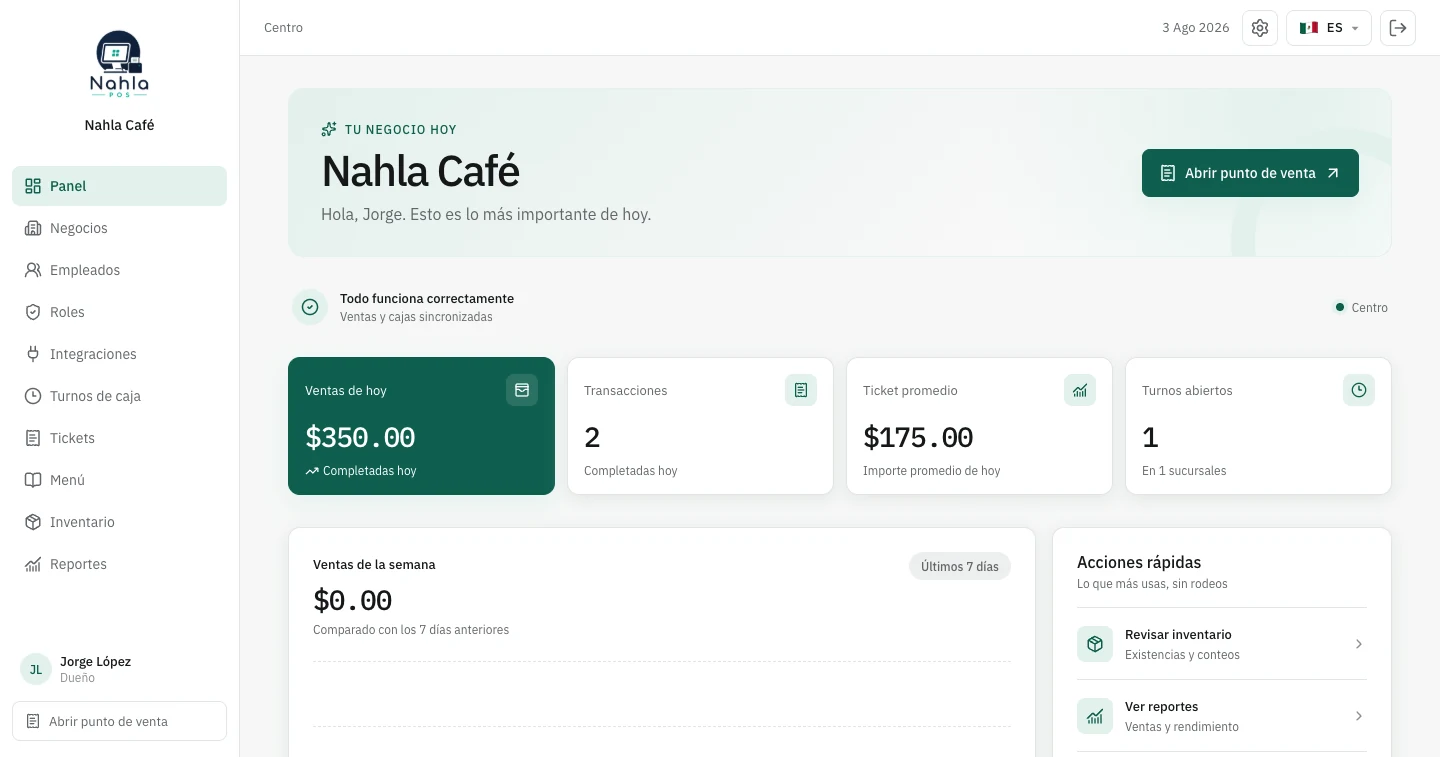
NahlaPOS runs in a modern browser on a computer or tablet. The 14-day trial includes the complete system, requires no card, and adds no commission based on your sales. It costs $20 USD per month in the United States or $249 MXN per month in Mexico.
Create my free accountPOS by business type
Explore the sales, inventory, service, and customer workflows that matter to your industry.
Frequently asked questions
Straight answers before you test or change your point-of-sale system.
POS stands for point of sale. It can refer to checkout software, the device at the counter, or the complete system a business uses to record transactions and manage register activity.
No. Point-of-sale software can record cash, card, or other payment methods even when payment processing happens separately. You can try NahlaPOS without purchasing a card terminal.
It can when catalog and inventory are connected. Each sale can reduce stock, while receiving, adjustments, and transfers keep quantities current.
The point of sale can save transactions on the device and synchronize them when the connection returns. Features that require live online data, such as public appointment booking, still need connectivity.
NahlaPOS works for coffee shops, restaurants, stores, grocery shops, barbershops, salons, vet clinics, medical offices, repair shops, auto parts stores, and other product or service businesses.
NahlaPOS costs $20 USD per month in the United States or $249 MXN per month in Mexico. It includes a 14-day trial with no card, no long-term contract, and no commission based on your sales.
Your first 14 days are free
Load your catalog, run realistic sales, review reports, and decide with evidence. No card and no long-term contract.